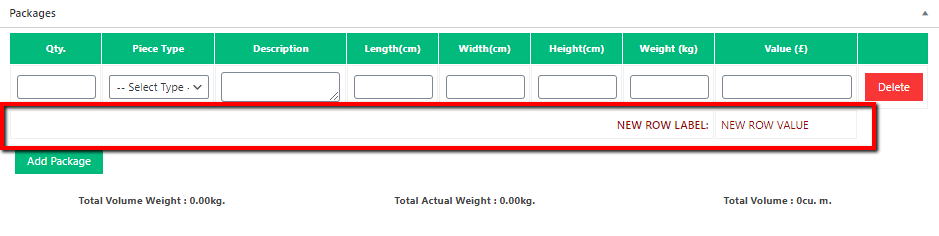
Add new row in package table
Copy and paste the following code in your child theme’s functions.php file.
add_action( 'wpcargo_after_package_table_row', 'package_table_new_row', 10, 1 );
function package_table_new_row( $shipment_details ){
	?>
	<tr id="total-cost" class="additional-detail" style="text-transform:uppercase; color:#900;">
		<td class="label" colspan="7" align="right"><strong><span>New row label:</span></strong></td>
		<td class="value"><span id="cost" >New row value</span></td>
	</tr>
<?php
}
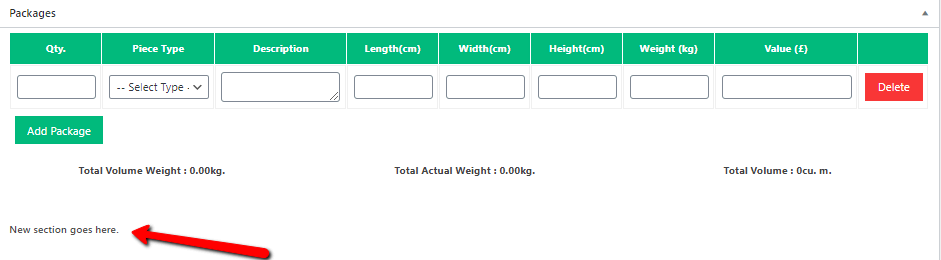
Add section below package table
Copy and paste the following code in your child theme’s functions.php file.
add_action('wpcargo_after_package_totals', 'custom_package_section' );
function custom_package_section( $shipment ){
	?>
	<div class="custom-section">
		<h4>New section goes here.</h4>
	</div>
	<?php
}