Home/Knowledgebase/How to customize Frontend Manager’s restricted template
Menu
How to customize Frontend Manager’s restricted template
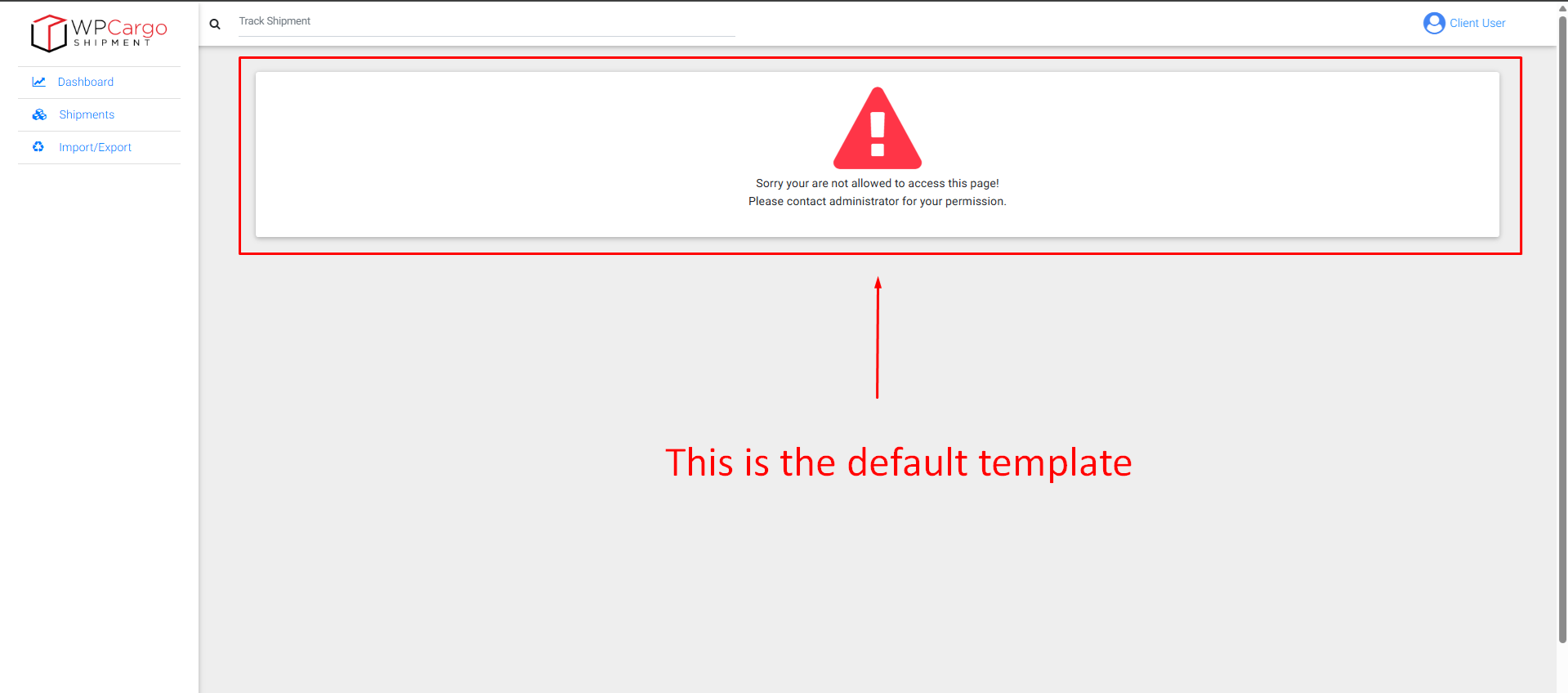
This is what the default template looks like
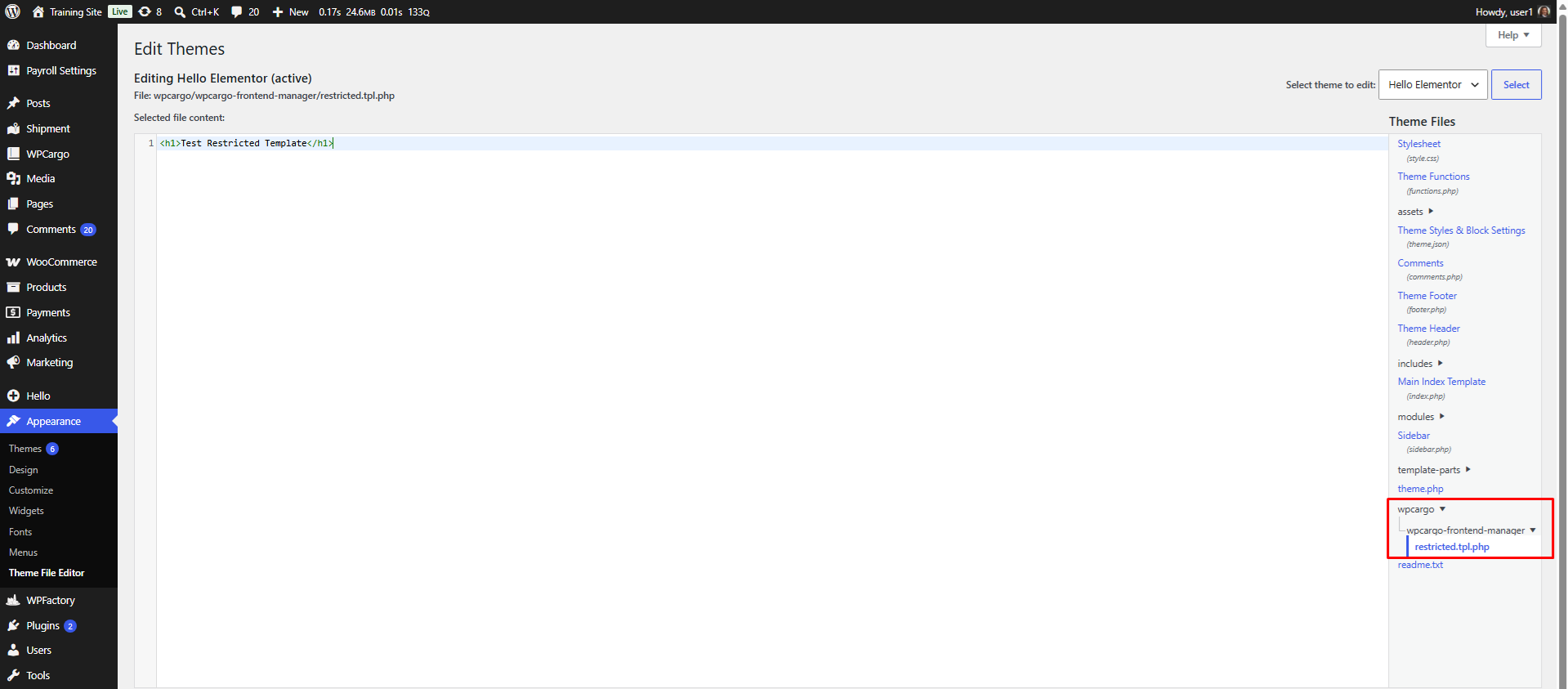
Inside your active theme folder, create a new folder named “wpcargo”.
Inside that “wpcargo” folder, create another folder named “wpcargo-frontend-manager”.
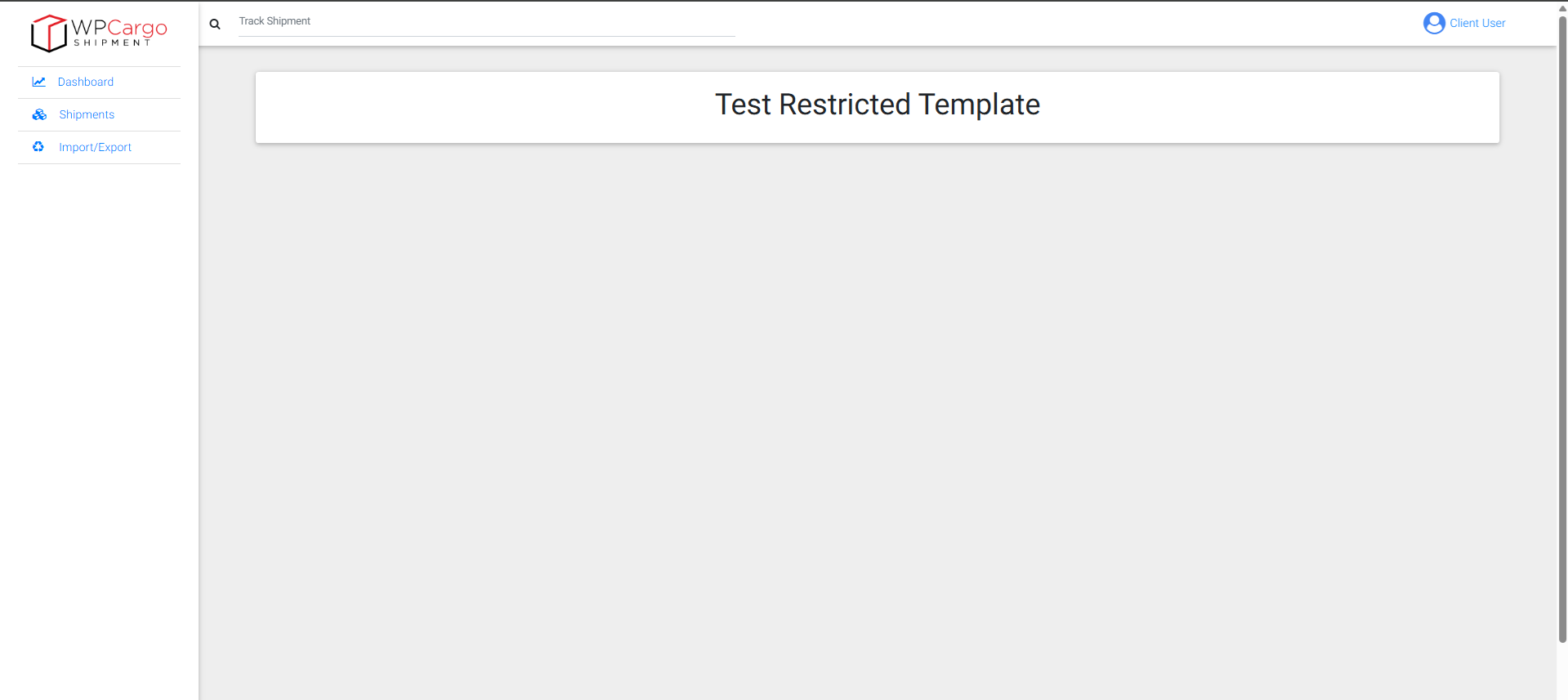
Inside that “wpcargo-frontend-manager” folder, create a new file named “restricted.tpl.php”. Edit that file and it’s up to you on building your own custom restricted template.
NOTE: You can only create folders and files by logging in to your website’s CPANEL to access the actual files of the website. You can usually locate your active theme inside public_html/wp-content/themes/YOUR_ACTIVE_THEME_HERE.
Final directory structure to make everything work: public_html/wp-content/themes/YOUR_ACTIVE_THEME_HERE/wpcargo/wpcargo-frontend-manager/restricted.tpl.php