

How to assign shipment in:
- Client
- Agent
- Driver
- Employee
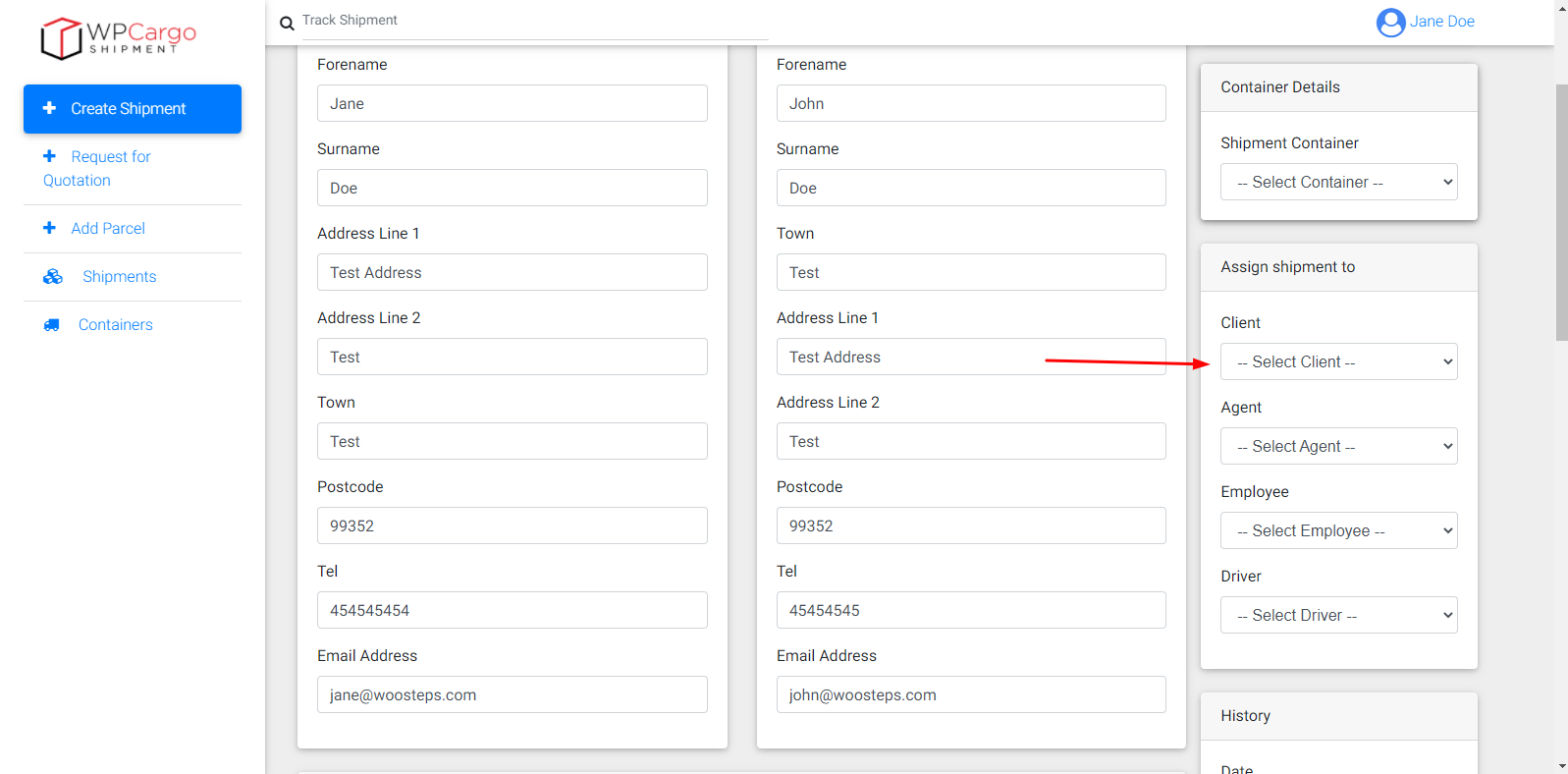
Assign Client
For assigning client choose one in Client dropdown
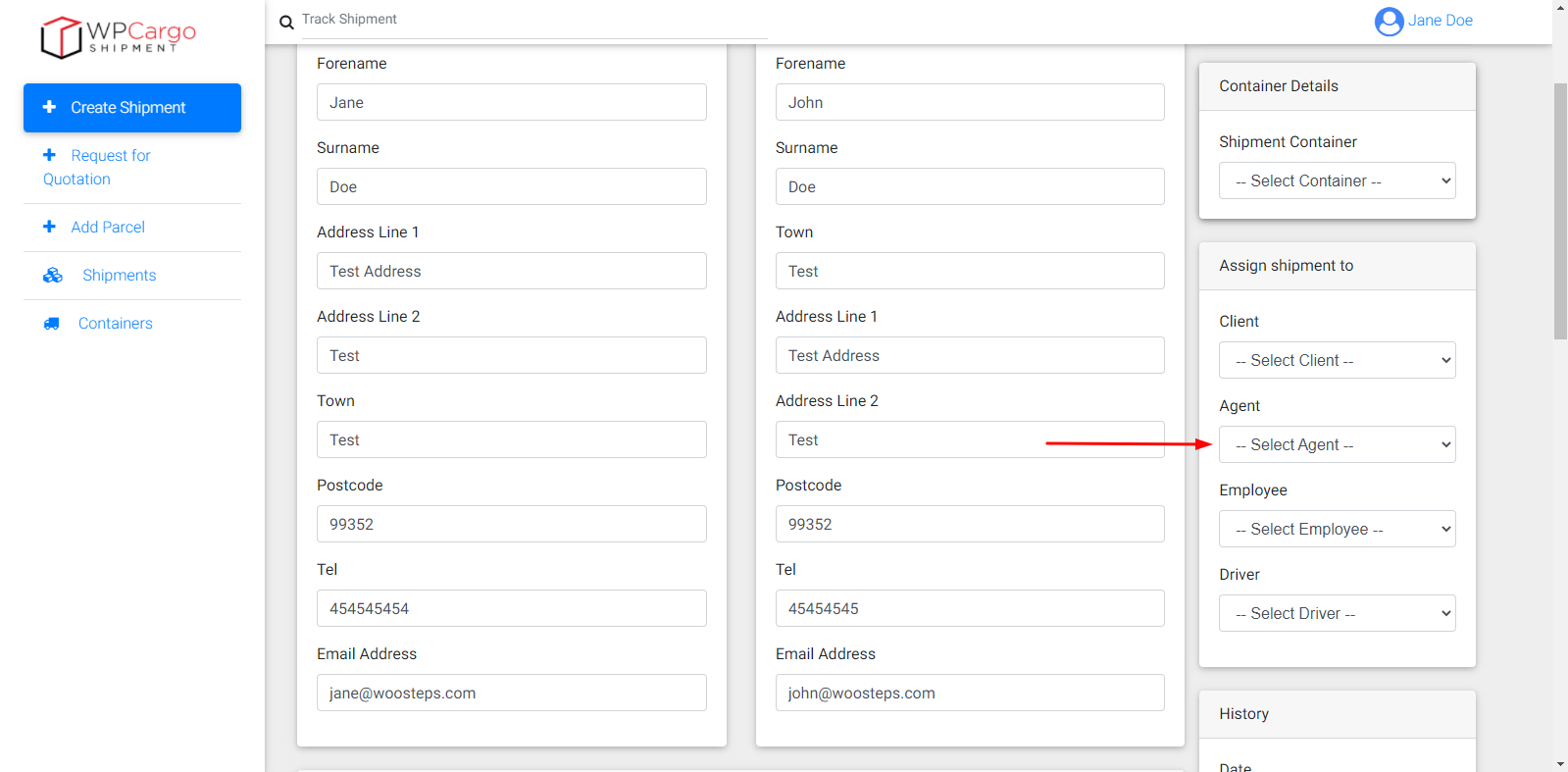
Assign Agent
For assigning agent choose in Agent dropdown
Assign Employee
For assigning employee choose one in Employee dropdown

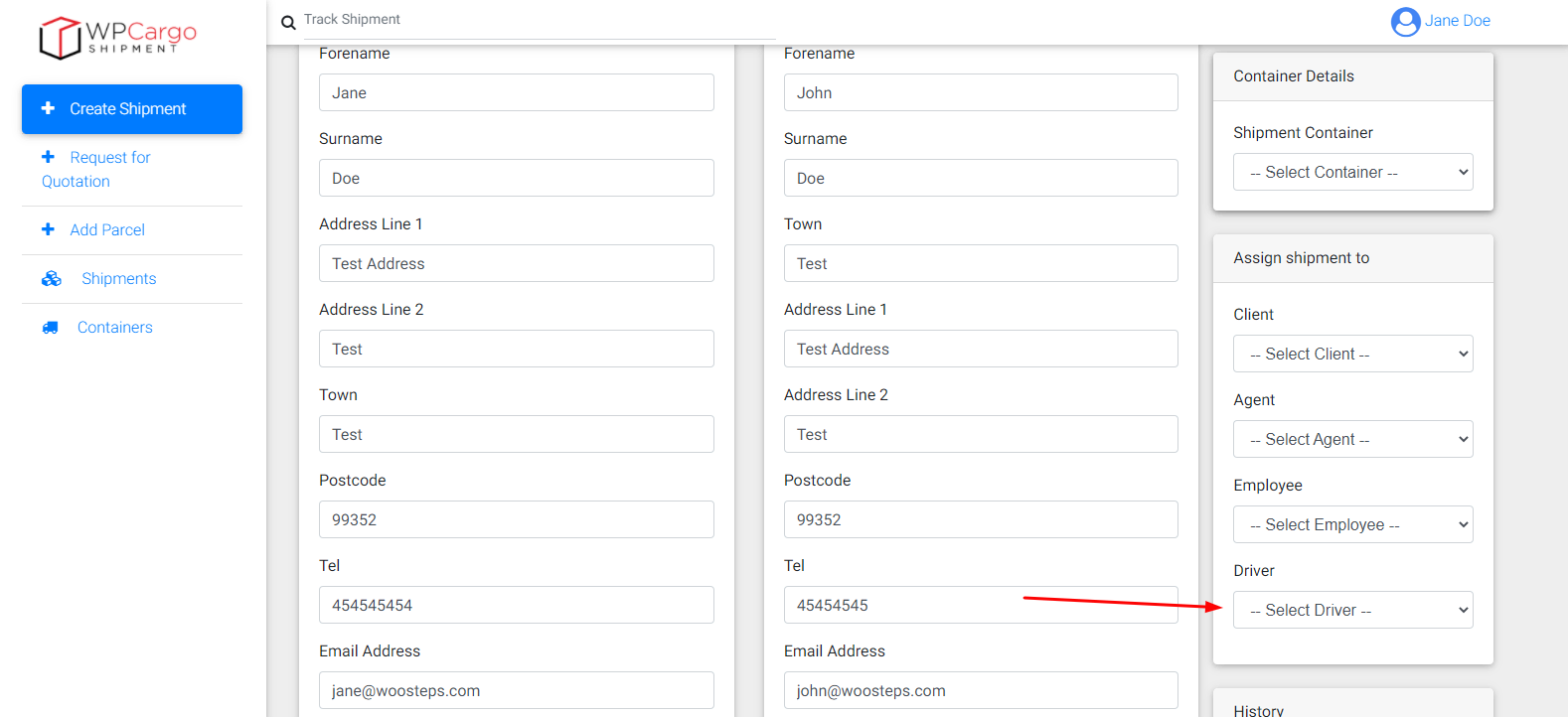
Assign Driver
For assigning driver choose in Driver dropdown
Allow other roles can assign shipments in to other roles
Note
- Make sure the role has an access to update the shipment. Please refer to this.
- Copy and paste this code in functions.php of your current theme.
/*
 * Allow Branch Manager to assign shipments
 */
function custom_can_wpcfe_assign_employee(){

	$current_roles = wpcfe_current_user_role();
	if( in_array( 'wpcargo_branch_manager', $current_roles) ){
		return true;
	}
}
add_filter('can_wpcfe_assign_employee','custom_can_wpcfe_assign_employee');