

These guides cover:
- Features
- How to set-up shipment container add-ons
- WPCargo Shipment Container Add-ons
- Set-up Shipment
- Go to dashboard > Shipment Container.
- Click Add shipment.
- Assign shipments.
- Add new shipment. Check the box in the shipment list

- WPCargo Fill out the Forms Field.
a. Fill out the Form for Container History<Add/ Delete.
b. Fill out the Form for Container Information.
c. Fill out the Form for Trip Information.

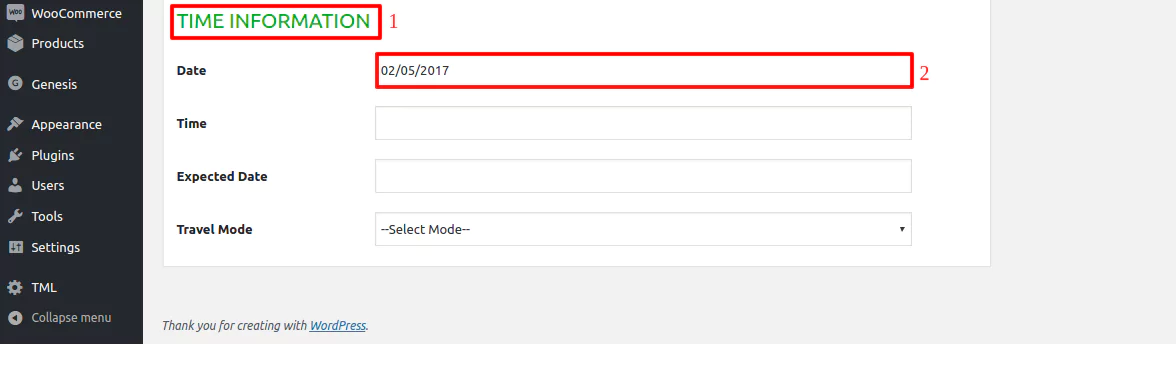
d. Fill out the Form for Time Information.
- Click Publish.