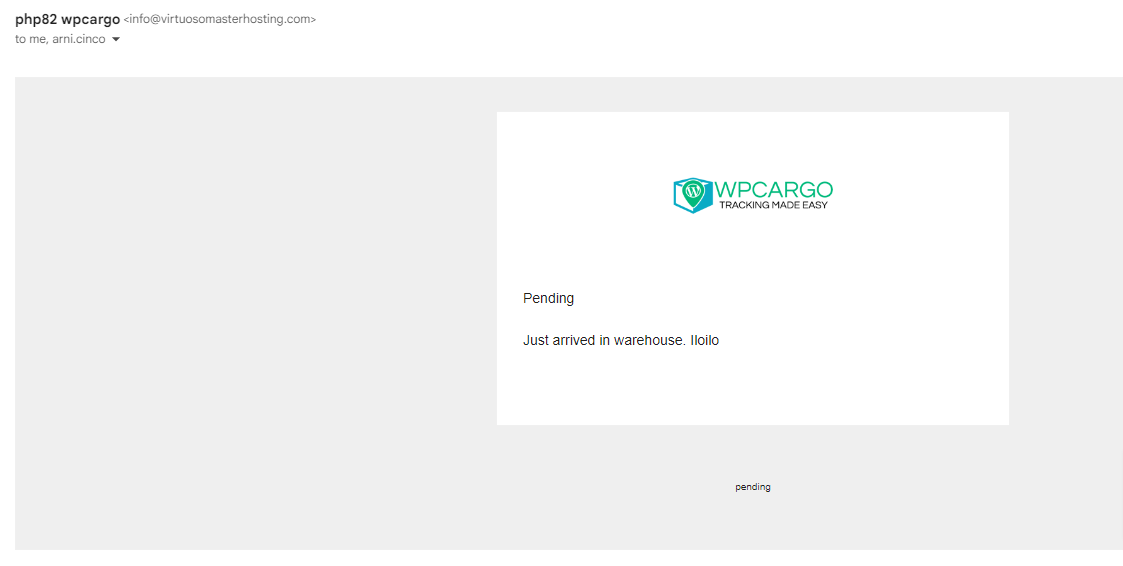
Here’s how to add value of Remarks field in your email tags and how to add it in your email notification .
This update are for the following WPCargo Addons:
- WPCargo Front-end Manager
- WPCargo Receiving
- WPCargo Shipment Container
- WPCargo POD
- Email Settings
 How to use
 Add this to your current theme functions.php :Add this code for Add or Create or update Shipment in WPCargo Shipment Container Addons.
add_filter( 'wpc_email_meta_tags', 'custom_additional_email_meta_tags' );
function custom_additional_email_meta_tags( $tags ){
    $tags['{remarks}'] = 'Remarks';
    return $tags;
}

//Save  to custom field so the  email tags will pull out to post meta data
function custom_add_remarks_notification($shipment_id, $data ) {
	update_post_meta( $shipment_id, 'remarks', $data['_wpcsh_remarks'] );

}
add_action( 'wpc_shipment_container_extra_save', 'custom_add_remarks_notification', 10, 2 );
Add this code for Add or Create or update Shipment in WPCargo Front-end Dashboard.
function custom_fm_add_remarks_notification($post_id, $data ) {
	update_post_meta( $post_id, 'remarks', $data['remarks'] );
}
add_action( 'wpcargo_extra_fm_saving', 'custom_fm_add_remarks_notification', 10, 2 );
Add this code for Bulk Update / WPCargo Receiving Addons.
function custom_r_add_remarks_notification($shipment_id, $history_data ) {
	update_post_meta( $shipment_id, 'remarks', $history_data['remarks'] );
}
add_action( 'wpcargo_extra_r_saving', 'custom_r_add_remarks_notification', 10, 2 );
Add this code for driver in WPCargo POD addons.
function custom_pod_add_remarks_notification($shipment_id, $history ) {
update_post_meta( $shipment_id, 'remarks', $history[4]['value']);
}
add_action( 'wpcargo_extra_pod_saving', 'custom_pod_add_remarks_notification', 10, 2 );
Result :