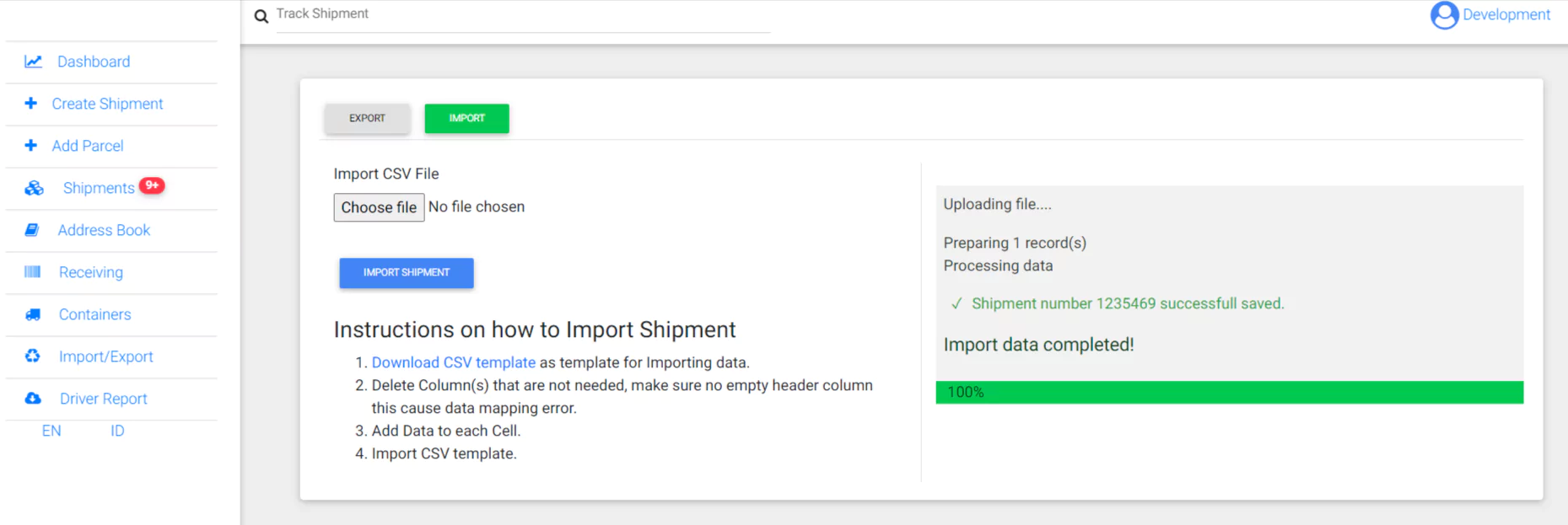
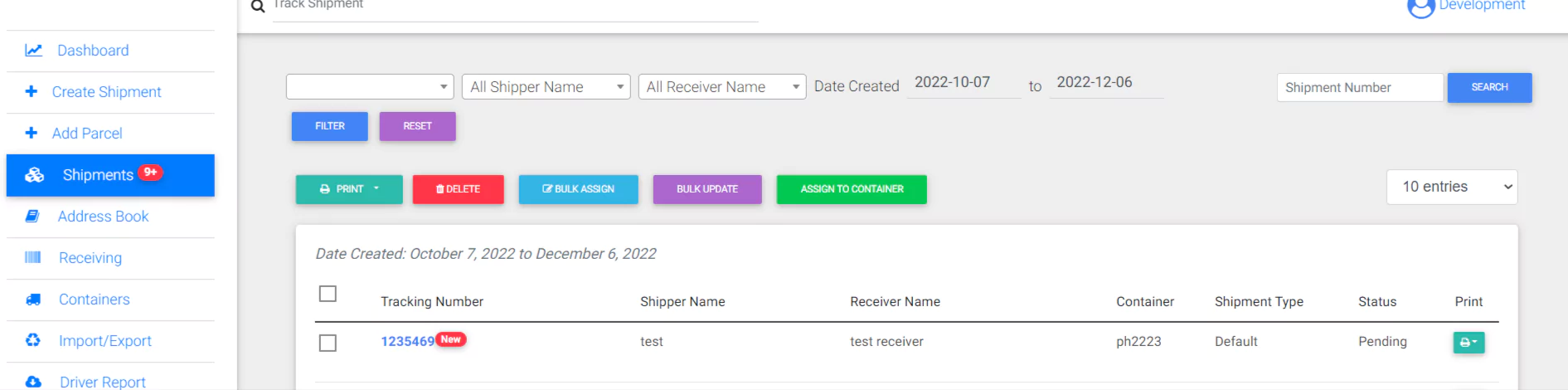
Importing shipment with Shipment Container column will need WPCargo Containers Addon.
- Create a container in the Frontend Manager Dashboard.

- Go to Import/Export. On the Export Tab select column header to be included on the template.
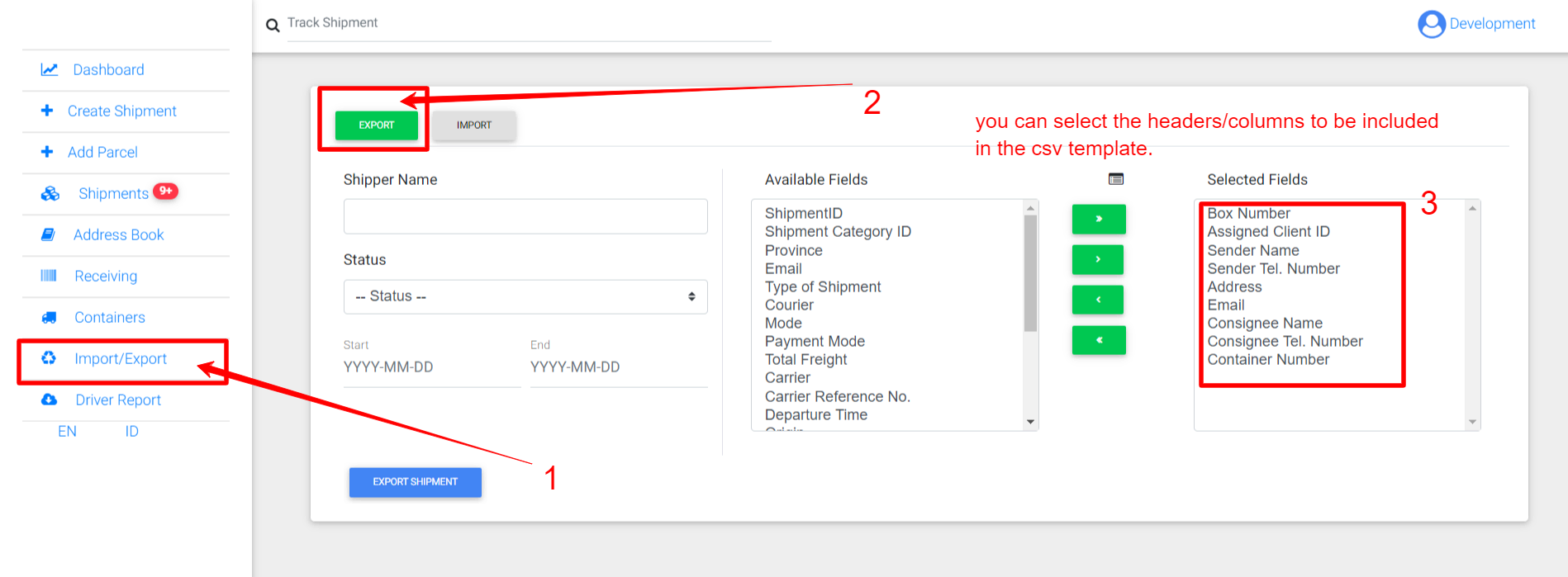
- Go to Import Tab and click Download CSV Template

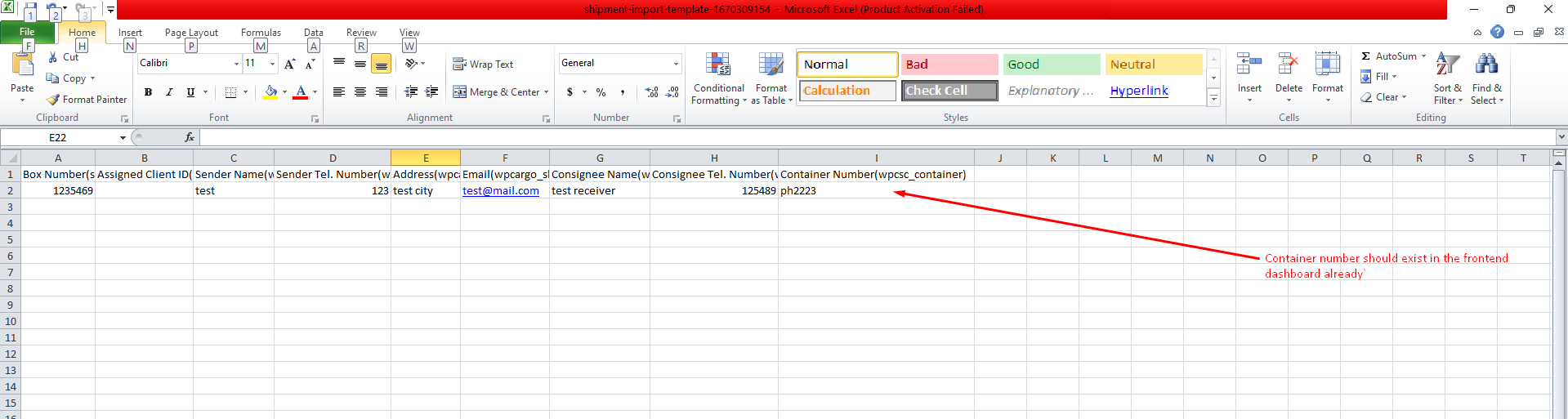
- Fill out the CSV File. Make sure that the Container Number already exists.
- Import your CSV File. Check the data on frontend dashboard.