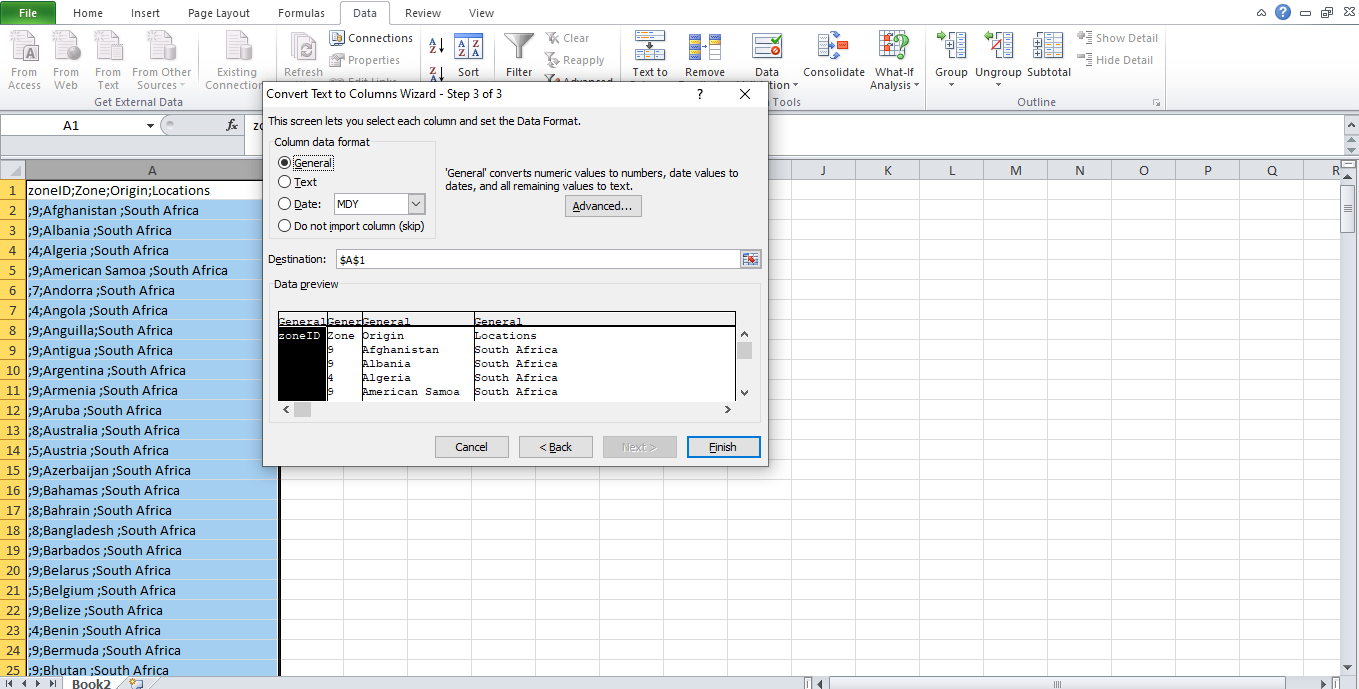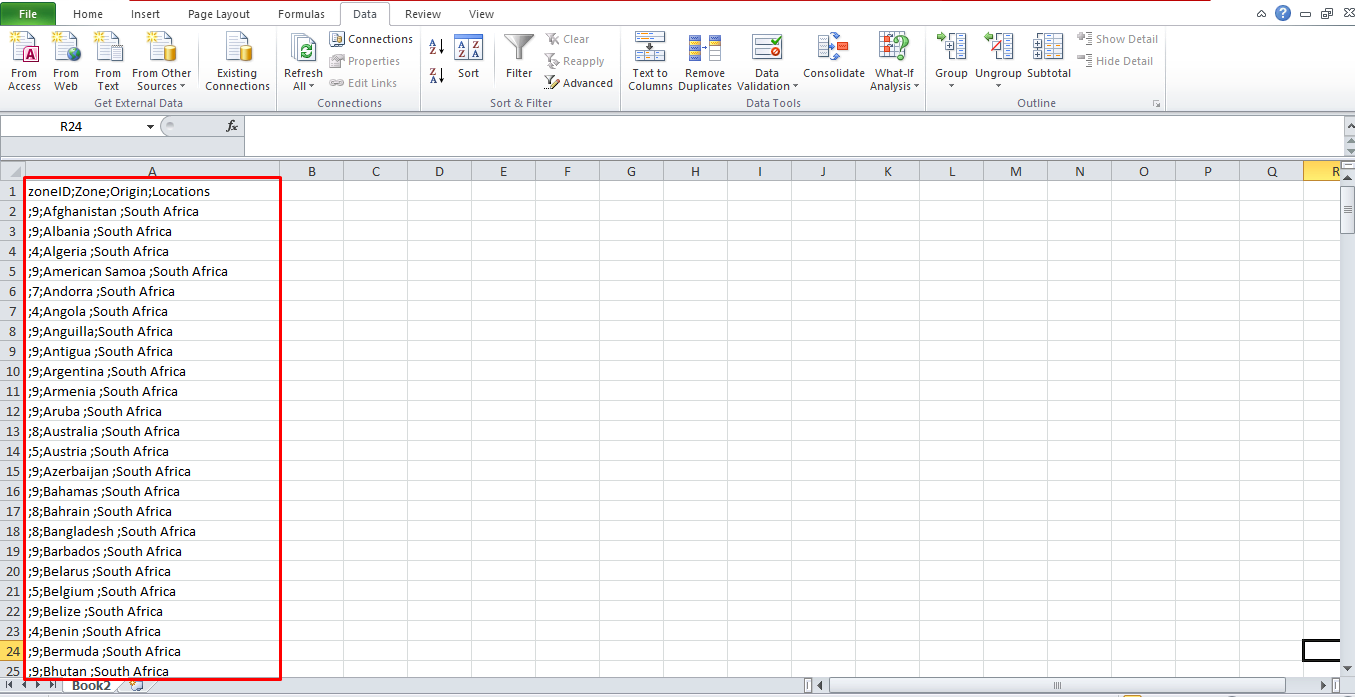
Note: this issue happened since windows used separator/delimeter base on your region.
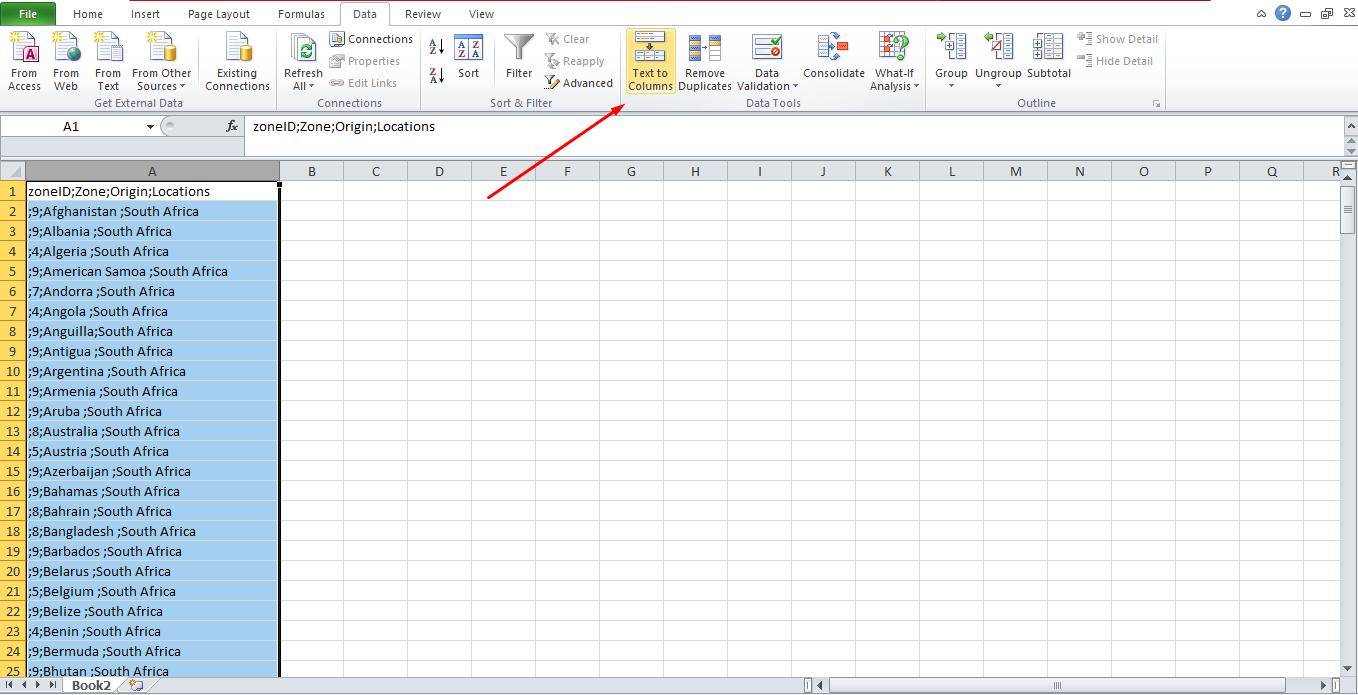
- Select all and go to Data > Text to columns.
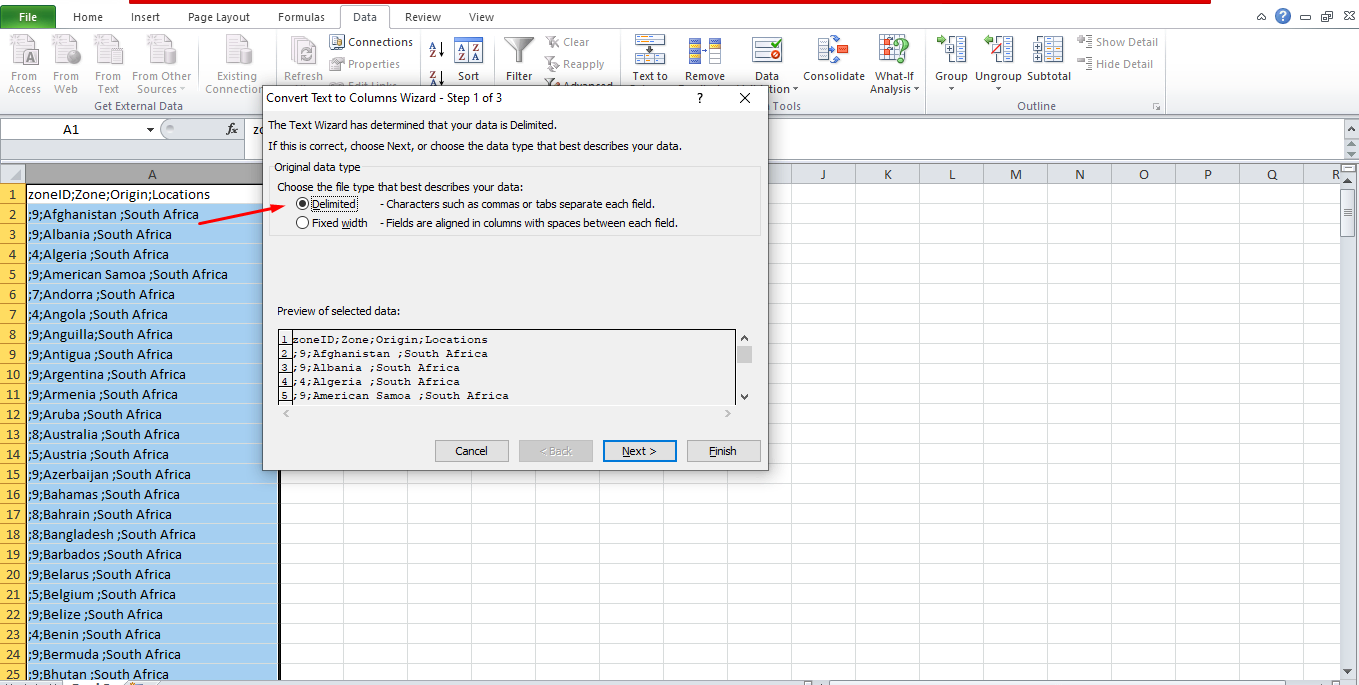
- Choose delimeted and click Next
- Choose what separator your region is using. In this case we will check semicolon as delimeter then click Next.
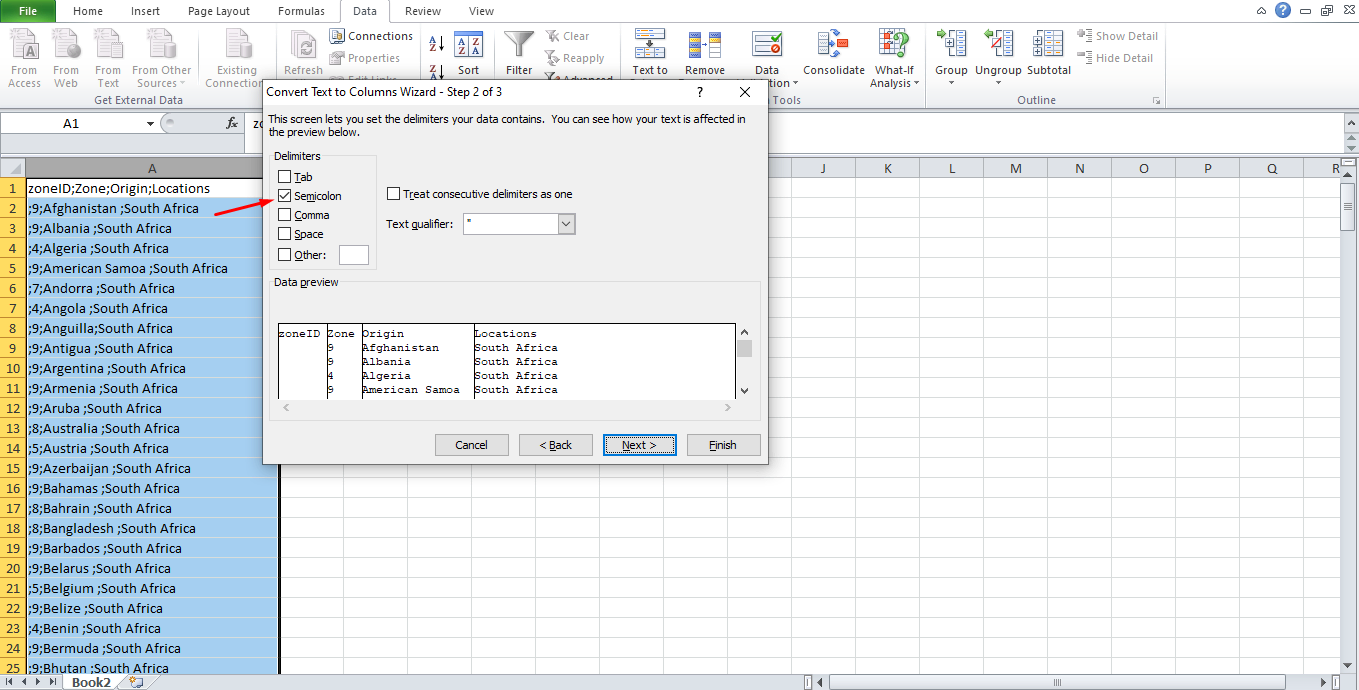
- As you can see from Data Preview the semicolon converts into columns. Click Finish and save your file.