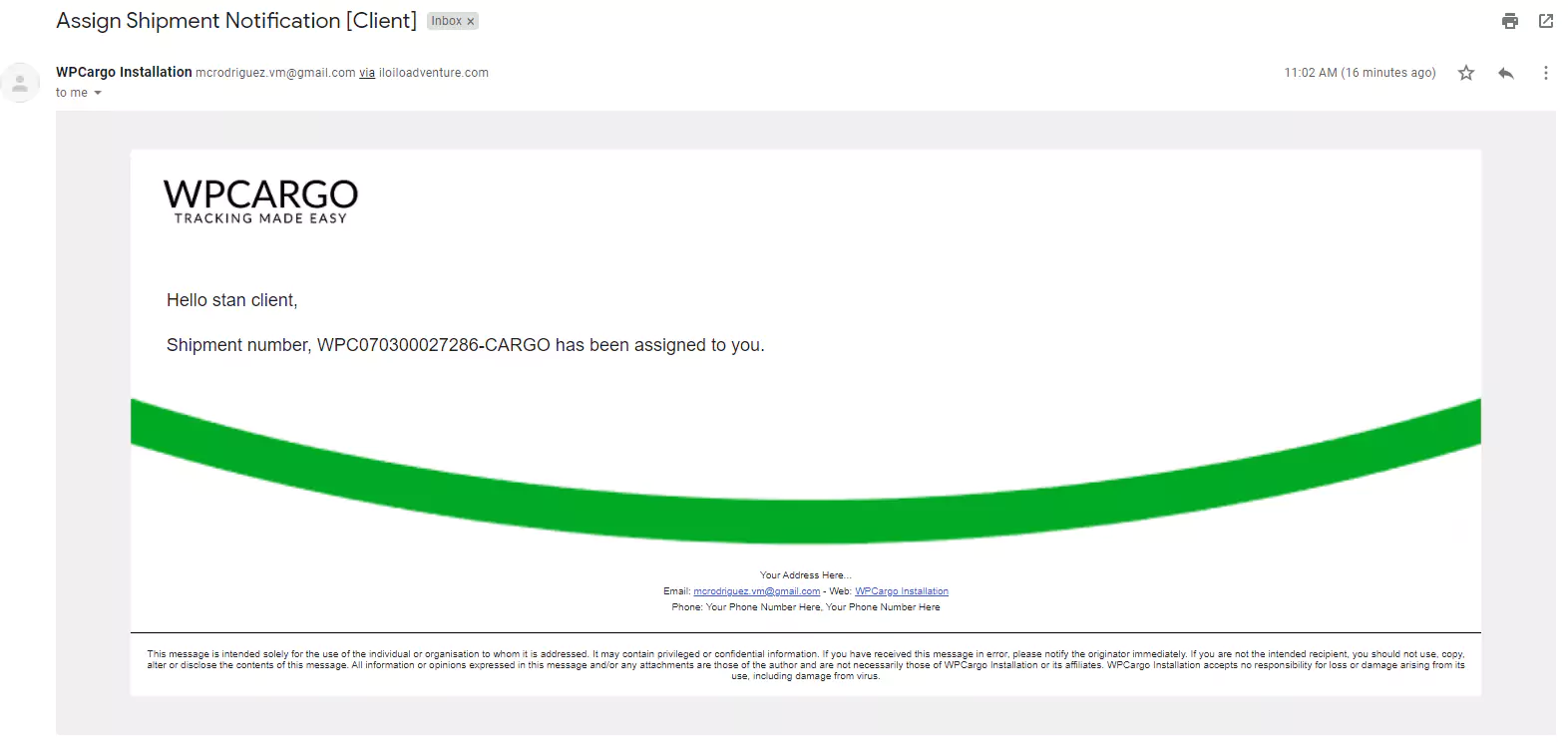
How to modify or update the assign shipment email notification template
Copy and paste the following code in the functions.php of your current theme.
//How to modify or update the assign shipment email notification template
function custom_wpcargo_assign_email_message( $message, $post_id, $user_id, $designation ){
	ob_start();
	$user_info      = get_userdata( $user_id );
	$user_fullname = $user_info->display_name;
		if( !empty( $user_info->first_name ) && !empty( $user_info->last_name ) ){
			$user_fullname = $user_info->first_name.' '.$user_info->last_name;
		}
	?>
    <p>Hello <?php echo $user_fullname; ?></p>
    <br>
    <p>Shipment number <?php echo get_the_title( $post_id ); ?> has been assigned to you.</p>

    <?php
	$message = ob_get_clean();
	return $message;
}
add_filter( 'wpcargo_assign_mail_content', 'custom_wpcargo_assign_email_message', 10, 4 );
Output: